

Super Bear Adventure is a fun and action-packed open-world game where you explore different places and help save your bear friends. But if you play this game on a low-end phone, you may notice lag or slow performance. That’s why changing the right game settings is very important.
In this complete guide, we will explain the best Super Bear Adventure settings for beginners and pro players. You will learn how to adjust graphics, sound, controls, and other advanced options to get smooth gameplay and better FPS. These settings work on both Android and iOS, so you can enjoy the game without problems.
What are Super Bear Adventure Settings?
Super Bear Adventure gives you many settings to help you play better. You can change sound, language, controls, graphics, and more. Let’s go through the most important options step by step.
Sound Settings
The sound section helps you control what you hear in the game. You can adjust:
- Master Volume (main game sound)
- Music Volume (background music)
- Sound Effects (actions, voices, environment sounds)
If any sound feels too loud or annoying, you can simply lower it for a better experience.
Language Settings
Super Bear Adventure supports many languages, such as English, French, Spanish, German, and more. You can choose the language that is easiest for you to understand. New languages are also added in future updates.
Gameplay Settings
The gameplay section includes small options that improve how the game feels while playing. Some useful settings are:
- Fast Restart (restart levels quickly)
- Timer Display (shows time on screen)
- Tips Before Levels (helpful for beginners)
- Network Stats (shows connection info online)
- Emote Bubbles (fun animations above players)
These options make the game more enjoyable and easier to manage.
Vehicle Controls
If you use vehicles in the game, you can choose how you want to control them:
- Normal Controls (use fingers on screen)
- Reversed Controls (opposite direction)
- Gyroscope Mode (move your phone to steer)
Gyroscope is great because it feels more natural and smooth.
Graphics Settings
Graphics settings decide how the game looks and runs. You usually get two main modes:
- Quality Mode (better visuals)
- Performance Mode (better speed and FPS)
If you have a fast phone, quality mode looks amazing. For slower devices, performance mode is the best choice. If you are wondering how to download SBA on android, checkout this guide.
Best Quality Settings (For High-End Phones)
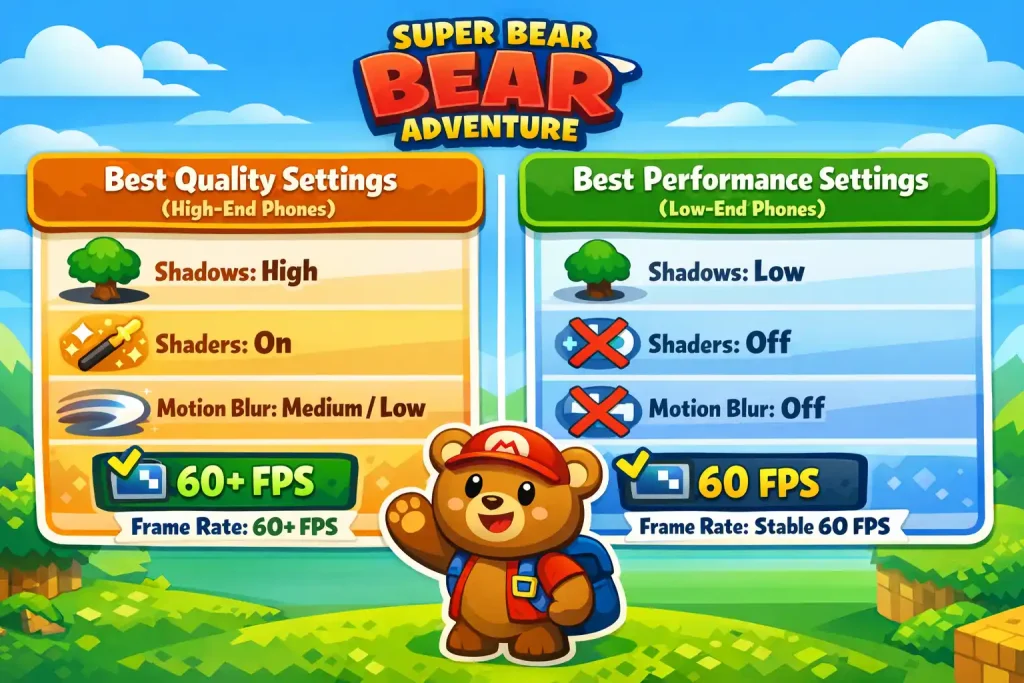
To enjoy realistic graphics, try these:
- Shadows: High
- Fancy Shaders: On
- FPS Counter: On
- Motion Blur: Medium or Low
- Frame Rate: 60 FPS or higher (if supported)
This makes the world look more detailed and smooth.
Best Performance Settings (For Low-End Phones)
If your game lags, use these settings:
- Shadows: Low
- Fancy Shaders: Off
- Motion Blur: Off
- FPS Counter: On
- Frame Rate: 60 FPS (stable gameplay)
These settings help the game run faster without freezing.
Input and Camera Controls
The input section mostly affects camera movement. For beginners, it’s best to:
- Keep camera sensitivity at a normal level
- Turn off inverted camera controls
- Use simple touch inputs for smooth control
Controller and Keyboard Settings
If you play using a controller or keyboard, you can customize the button layout. Choose the controls that feel comfortable so your gameplay stays fast and easy.
Save and Cloud Sync
To protect your progress, you should turn on cloud saving. Linking your game with Google Play or an online account helps you recover your data if you change or reset your device.
Quick Settings Summary Table
Here is a simple table to help you choose the best settings based on your goal:
| Goal | Best Setting Mode |
| Smooth FPS Gameplay | Performance Mode |
| Best Visual Quality | Quality Mode |
| Save Battery | Low Shadows + 60 FPS Frame Rate |
This quick guide makes it easier to pick the right settings in seconds.
Final Tips to Master Super Bear Adventure Settings
To enjoy Super Bear Adventure like a pro, always choose settings that match your device. High graphics look great on fast phones, but performance mode works better on slower devices.
Try different options until the game feels smooth and lag-free. Also, keep your game updated because new versions may change some settings.
If you ever face a serious problem or a settings glitch, restarting the game can help. In rare cases, uninstalling and reinstalling the game may fix the issue.
Common Settings Mistakes to Avoid
Many players change settings without knowing what works best for their phone. This can cause lag, low FPS, or uncomfortable controls. Here are some common mistakes you should avoid:
- Using high graphics on a slow phone: High graphics look nice, but they can make the game run slower on low-end devices.
- Keeping motion blur too high: Too much motion blur can make the screen look unclear and may reduce performance.
- Setting camera sensitivity too fast: If sensitivity is too high, the camera moves too quickly and becomes hard to control.
- Ignoring performance mode when the game lags: If your game freezes or drops FPS, switching to performance settings is the smarter choice.
By avoiding these mistakes, you can enjoy smoother gameplay and better control.
What are Recommended Settings for Beginners in SBA?
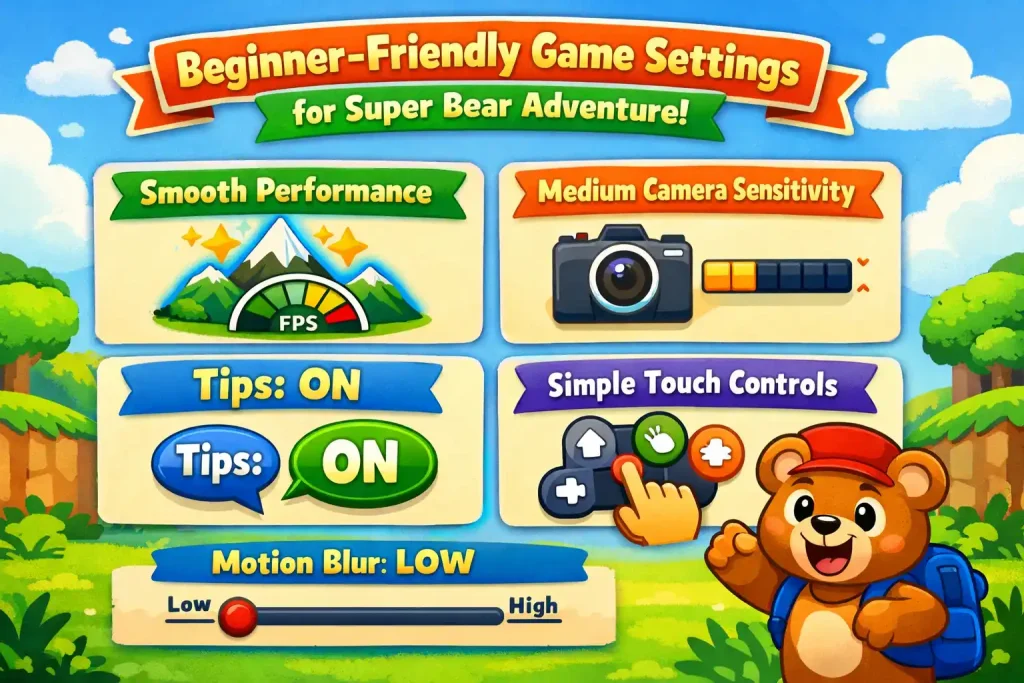
If you are new to Super Bear Adventure, it is best to start with simple and comfortable settings. These options will help you learn the game easily without stress.
Here are the best settings for new players:
- Graphics Mode: Performance (for smooth gameplay)
- Camera Sensitivity: Normal or Medium
- Tips Option: Turn ON helpful game tips
- Controls: Use simple touch controls first
- Motion Blur: Keep it Low or Off
These beginner-friendly settings make the game easier to control and more fun to play from the start. This way, you will able to explore characters as well as the game play of the game.
FAQs
Conclusion
Super Bear Adventure is a fun game, but using the right settings can make it even better. Adjusting graphics, sound, controls, and performance options helps you play smoothly and enjoy the game without lag. Beginners should start with simple controls and tips turned on, while experienced players can try advanced settings for the best visuals and FPS. Following these tips will make your gameplay more fun and hassle-free on any device.


