
Many players of Super Bear Adventure face problems with the latest version. Some devices cannot run it smoothly, while others find new updates slow or full of bugs. Others miss the older features or the simple gameplay of previous versions.
If you are one of those users who want a stable, fast, and familiar gaming experience, the old versions of Super Bear Adventure can be the perfect choice. In this article, we will guide you on how to safely download and enjoy the old versions on your device.
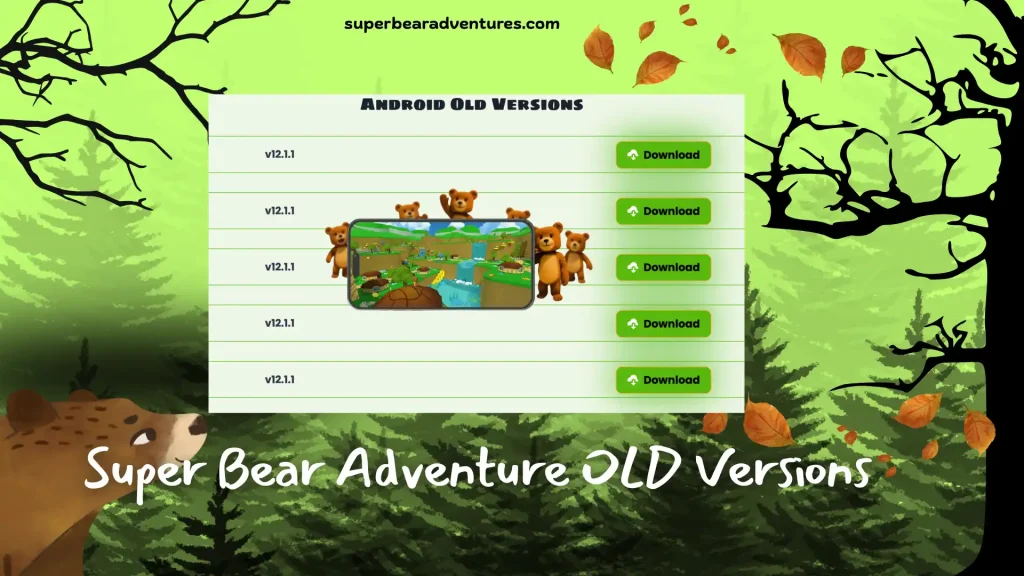
Additional Details of Old versions
| Game Details | Super Bear Adventure – Old Versions |
| Game Name | Super Bear Adventure (Old Version) |
| Available Versions | v12.1.3, v12.0.3, v12.0.2, v12.0.1, v11.1.1 |
| File Sizes | 221 MB, 200 MB, 200 MB, 200 MB, 171 MB |
| Developer | Earthkwak Games |
| Category | Adventure |
| Initial Release Date | June 10, 2017 |
| File Formats | .APK, .XAPK |
| Android Compatibility | 6.0 and above |
| Cost | Free |
| Package ID | com.Earthkwak.Platformer |
| Age Rating | 3+ |
| MOD Highlights | 2 Bonus Levels Unlocked, Bugs Fixed, Multiplayer Enabled, Pirate Ship Accessible |
| Recent Updates | Nov 26, 2025; Aug 16, 2025; Jul 21, 2025; Jul 09, 2025; Apr 30, 2024 |
| Download From | Official Super Bear Adventure Links |
Android Old Versions
v 12.1.3 (Latest Old Version) – 221 MB
v 12.0.2 – 200 MB
v 12.0.1 – 200 MB
v 11.1.1 – 171 MB
Why Choose These Super Bear Adventure Old Versions?
Over time, Super Bear Adventure MOD APK has received several updates, bringing new levels, improved gameplay, bug fixes, and multiplayer features. If you prefer a previous version for better performance or features, here’s a detailed list of the older versions and what they offer.
Super Bear Adventure APK v12.1.3 (Latest Old Version) – 221 MB
- See enemies clearly in all levels
- Fennec enemies appear during the Guardian Boss fight
- 2 brand-new bonus levels added
- Networking issues fixed
- All known bugs resolved
Super Bear Adventure APK v12.0.2 – 200 MB
- Introduced multiplayer mode
- Improved player movement
- Emote and cosmetic issues fixed
- Multiple audio bugs resolved
Super Bear Adventure APK v12.0.1 – 200 MB
- Supports updated Android versions (up to Android 16)
- Multiplayer mode included
- Added 2 bonus levels
- Fixed respawning issues and minor bugs
Super Bear Adventure APK v11.1.1 – 171 MB
- A functional pirate ship was added in the desert levels
- Sleeping animation added for the player
- Multiple bugs fixed
What are the Features of Super Bear Adventure Old Version Mod APK?
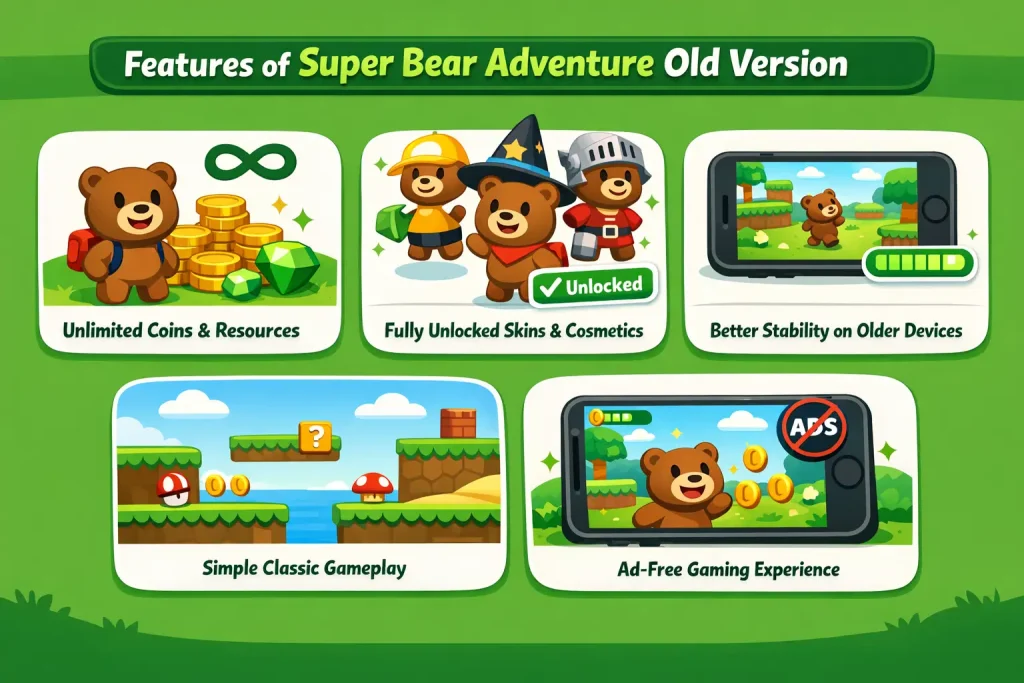
Older versions of Super Bear Adventure Mod APK focus on smooth performance, classic gameplay, and fewer restrictions. They are ideal for players who want a stable, nostalgic experience without bugs or forced changes.
Unlimited Coins and Resources
Old modded versions usually provide unlimited coins, allowing players to unlock items, skins, and upgrades instantly. This removes the need for grinding and lets users enjoy the full game freely from the start.
Fully Unlocked Skins and Cosmetics
These versions often unlock all character skins, hats, and cosmetic items. Players can enjoy content that may be restricted, removed, or locked behind conditions in newer official updates.
Better Stability on Older Devices
Many users prefer older versions because they run smoothly on low-end or older Android devices. These builds avoid recent bugs and performance issues introduced by newer updates while maintaining reliable core mechanics.
Simple and Classic Gameplay Style
Old versions keep the interface clean with fewer missions and simpler levels. Boss fights, arcade challenges, and maps feel more classic, making the game easier to enjoy without complex mechanics or limitations.
Ad-Free Gaming Experience
Most older Mod APK versions remove forced ads completely. This allows for uninterrupted gameplay, making the experience more enjoyable, immersive, and user-friendly than newer ad-heavy releases.
How to Download and Install Super Bear Adventure Old Version (Android)?
Downloading an old version of Super Bear Adventure is simple if you follow the steps carefully. Just make sure you install the correct file and avoid update conflicts.
Easy Step-by-Step Guide:
- Remove the latest version
If the game is already installed, uninstall the current version to prevent errors or crashes. - Enable unknown sources
Go to Settings > Security and allow installations from unknown sources on your device. - Download your preferred old version
Choose the old version you want from the list provided on the page and start the download. - Install the APK/XAPK file
Open your File Manager, locate the downloaded file, and tap on it to install. - Launch the game
Once installed, open the game and enjoy the old version without issues.
Tip: To keep the old version working smoothly, disable auto-updates or ignore update notifications from the Play Store.
How to Download Super Bear Adventure Old Version on PC?
If you want to enjoy an older version of Super Bear Adventure on a larger screen, playing it on a PC is a great option. Just follow these simple steps.
Simple PC Installation Guide:
- Install an Android emulator
Download and set up a trusted emulator such as BlueStacks or any similar option on your PC. - Get the old version file
Download the Super Bear Adventure old version APK you want to play on your computer. - Add the game to the emulator
Open the emulator and drag-and-drop the downloaded file or use the install option inside the emulator. - Start playing
Once installation is complete, launch the game from the emulator and enjoy smooth gameplay on a bigger screen.
This method works well for users who prefer better controls and improved performance.
Challenges of Playing the Old Version of Super Bear Adventure
While Super Bear Adventure’s old version offers a nostalgic and smooth experience, they also come with a few limitations. Before downloading, it’s important to understand the possible drawbacks.
Limited Levels and Game Content
Older versions usually include fewer worlds and simpler level designs. Players may not find advanced maps, extra cosmetics, or the polished environments that are available in newer updates.
Gameplay Bugs and Visual Glitches
Some old builds may have camera problems or minor glitches. Players can sometimes pass through walls or fall outside the map due to unrefined game mechanics.
More Difficult Platforming Sections
Earlier versions featured tougher parkour mechanics. Certain levels, such as hive-style stages, were less forgiving and required precise timing and movement.
Missing Modern Features
Old versions do not include recent improvements like teleport exits, enhanced tutorials, or expanded cosmetic options, which makes gameplay feel more basic.
Device Compatibility Issues
These versions may not run properly on newer Android devices, causing lag or crashes, especially on updated operating systems.
Limited Camera Functionality
In some older releases, in-game camera photos were not saved properly, making it difficult for players to capture and keep memorable moments.
Despite these challenges, many players still prefer older versions for their charm and classic feel, even though they lack the polish of the latest updates.
Simple Tips to Enjoy Super Bear Adventure Old Versions
Playing super bear adventure old version can be fun if you know how to enjoy them properly. These easy tips will help you get the best experience.
- Play in offline mode to avoid ads and enjoy smooth, uninterrupted gameplay.
- Explore every area carefully because old versions hide many fun secrets and surprises.
- Look for Easter eggs like hidden characters or logos in places such as Snow Valley, the Giant House, and the Desert world.
- Take time to learn the controls since movement and camera controls may feel slower or harder than in the new versions.
- Notice old character names and designs, as some bears were different in earlier releases.
- Search for hidden items like secret chests or frozen collectibles that may not exist in newer updates.
- Replay classic levels to enjoy their original design and challenge before later changes were added.
These tips can help you enjoy the old versions in a fun, simple, and nostalgic way.
What Players Say About Super Bear Adventure Old Versions?
Many players share positive feedback about the old versions of Super Bear Adventure. They often describe the game as a fun and nostalgic 3D platformer that reminds them of classic games from the 90s and early 2000s. Players love the simple graphics, offline gameplay, and story-based levels that can be enjoyed for free.
However, some users mention that camera controls in older versions can be difficult to handle at times. Even with this issue, most players still enjoy the classic feel and charm of the old versions.
Conclusion
The Super Bear Adventure old version are a great choice for players who enjoy simple, classic gameplay. They offer a smooth offline experience, fun levels, and a strong sense of nostalgia.
While these versions may have fewer features and some control issues, many players still love their charm and stability. If you miss the original style of the game or want better performance on older devices, trying an old version can be a fun and rewarding experience.